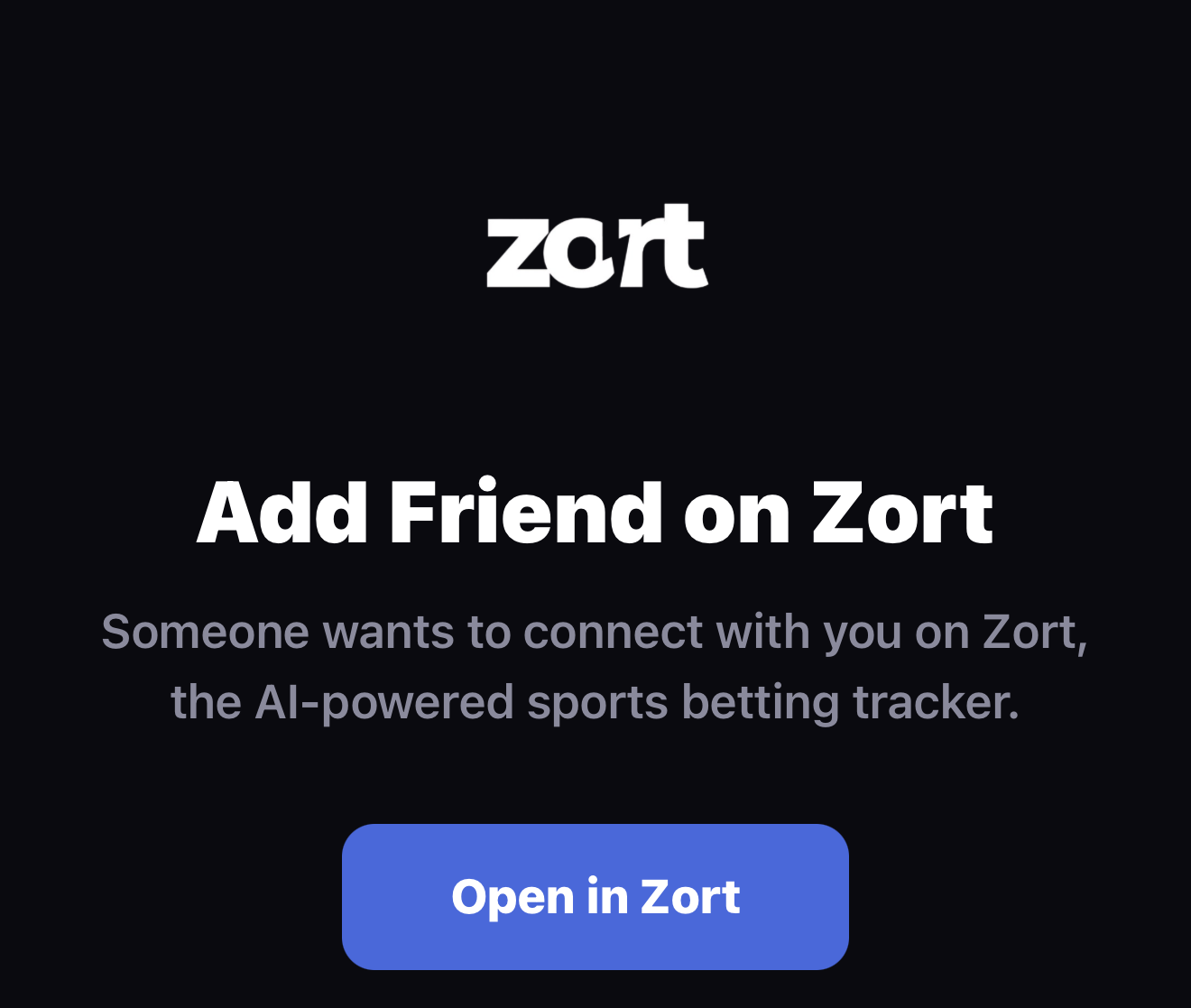
Connecting with friends on Zort just got a whole lot easier. We have rolled out two features that make sharing your profile effortless: branded QR code sharing and smart friend links that work across iOS and Android. No more screenshots, no more spelling out usernames. One tap is all it takes.
QR Code Sharing, Reimagined
Forget about taking a screenshot of your QR code and cropping it before sending. Zort now generates a polished, dark-themed share card that is ready to send anywhere -- iMessage, WhatsApp, Instagram DMs, or any messaging app on your phone.
When you share your QR code, Zort automatically creates a branded image that includes:
A scannable QR code unique to your profile, styled to match Zort's dark aesthetic
Your display name front and centre so recipients know exactly who the invite is from
Your unique @username is shown on the card for easy identification
A clean, professional card with Zort branding that looks great in any chat thread
Pro Tip
The generated share image is purpose-built for messaging apps. It renders crisply on both light and dark backgrounds, so your QR code is always scannable regardless of where it is viewed.
Smart Friend Links
Alongside the QR code image, every share includes a universal link in the format zort-app.com/friend/{userId}. This is not just a regular URL -- it is a smart link that adapts its behaviour based on the recipient's device and whether they already have Zort installed.
How the Link Detects Your Platform
When someone taps your friend link, the system checks their device automatically:
- Zort installed on iOS -- The link opens the app directly and navigates straight to your profile
- Zort not installed on iOS -- The link redirects to the App Store so they can download Zort first
- Android device -- The link redirects to Google Play to download the Zort app
This means you never have to worry about whether the person you are sharing with is on the right platform or has the app. The link handles everything.
How It Works
Sharing your profile takes just a few seconds. Here is the full flow from start to finish:
Cross-Platform Sharing
One of the most common pain points with social features in mobile apps is platform fragmentation. Your friend is on Android but you are on iOS, or vice versa. With Zort's smart friend links, this is no longer an issue.
The link opens Zort directly and shows your friend's profile, ready to connect
Android recipients are directed to Google Play to download Zort and connect with you
The QR image and link work in any chat platform -- iMessage, WhatsApp, Telegram, Discord, and more
Share Anywhere
You can even post your QR code share card to social media. Drop it in an Instagram Story, a Twitter post, or a TikTok bio link -- anyone who sees it can scan or tap to connect with you on Zort.
Privacy & Control
Sharing your profile does not mean giving up control. Zort is built with your privacy in mind at every step:
- You decide who to accept -- Sharing your QR code sends a friend request. You always have the option to accept or decline incoming requests
- Discoverable settings -- Control whether you appear in search results and who can find your profile
- No personal data exposed -- Your friend link uses an internal user ID, not your email or phone number
- Block and report -- Full moderation tools are available if you receive unwanted connection requests
Your Link, Your Rules
Sharing your profile link does not automatically add someone as a friend. They still need to send a request, and you still need to approve it. You stay in full control of your connections.
Start Connecting
Share your Zort profile in seconds. Download the latest version and start building your betting network today.
Download Zort